Move through a folder with context
Main, Grid, Filmstrip, Navigator, and Pro Layout views let you inspect one image while keeping nearby frames visible.
 SnapView
SnapView is built for Mac users who move through folders, archives, and mixed image formats before deciding what to keep, compare, move, or edit next.
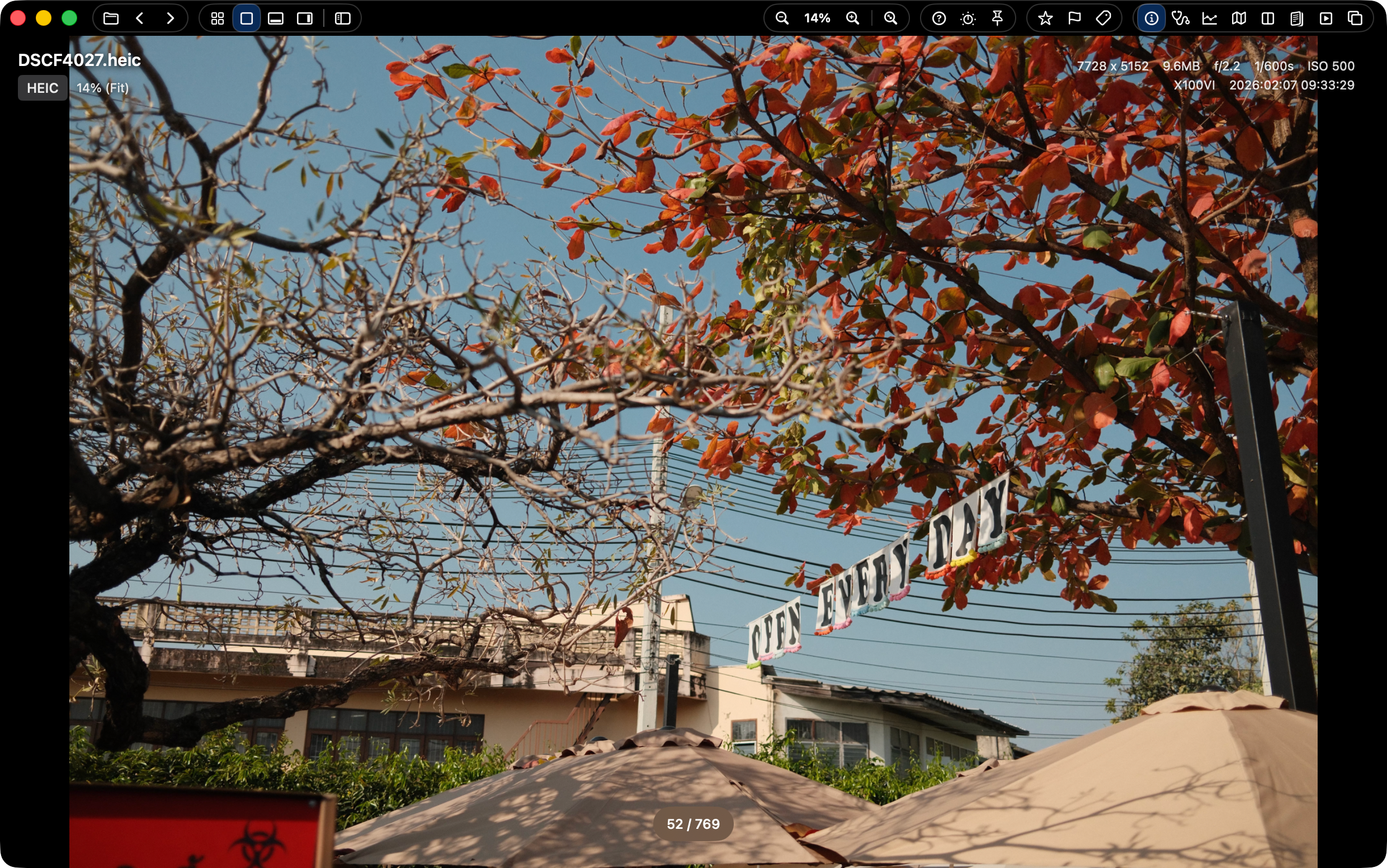
SnapView is a fast, lightweight image viewer for Mac, designed for quick folder browsing, smooth keyboard navigation, and modern image formats like WebP, HEIC, and GIF. It is useful when you want to review images directly from folders instead of importing them into a photo library first.
Many Mac workflows start with a folder full of images, not a catalog. SnapView opens local folders, ZIP archives, Apple Photos sources, RAW files, and common still formats so the first pass can happen directly in the viewer.
Main, Grid, Filmstrip, Navigator, and Pro Layout views let you inspect one image while keeping nearby frames visible.
SnapView is designed around quick navigation, ratings, Pick/Reject, color labels, and handoff actions that stay near the image.
Use one viewer for JPG, PNG, HEIC/HEIF, WebP, GIF, TIFF, PSD, JPEG 2000, DICOM, EXR/HDR, TGA, RAW, and supported videos.
Drag selections to Finder, Desktop, editing apps, or Photos, then continue with Quick Organize, Batch Actions, print, or PDF save.
SnapView does not try to replace every macOS media tool. It focuses on the practical image review stage: browsing many files, keeping folder context visible, checking formats, and moving selected images into the next workflow.
| SnapView | Good fit for folder-first image review, keyboard navigation, mixed formats, ZIP archives, ratings, labels, and file handoff. |
|---|---|
| Apple Preview | Good fit for built-in single-file viewing, markup, annotation, PDFs, and quick macOS tasks. |
| Catalog editors | Good fit when you need library management, heavy editing, collections, and long-term photo organization. |
Use SnapView when you want a Mac image viewer focused on direct folder review, keyboard movement, and modern image formats.