WebP files
Open WebP files in the same review flow as JPG, PNG, TIFF, RAW, and other common formats.
 SnapView
SnapView helps you review modern image formats in the same folder-first workflow, including WebP, HEIC/HEIF, GIF, RAW files, ZIP archives, and supported videos.
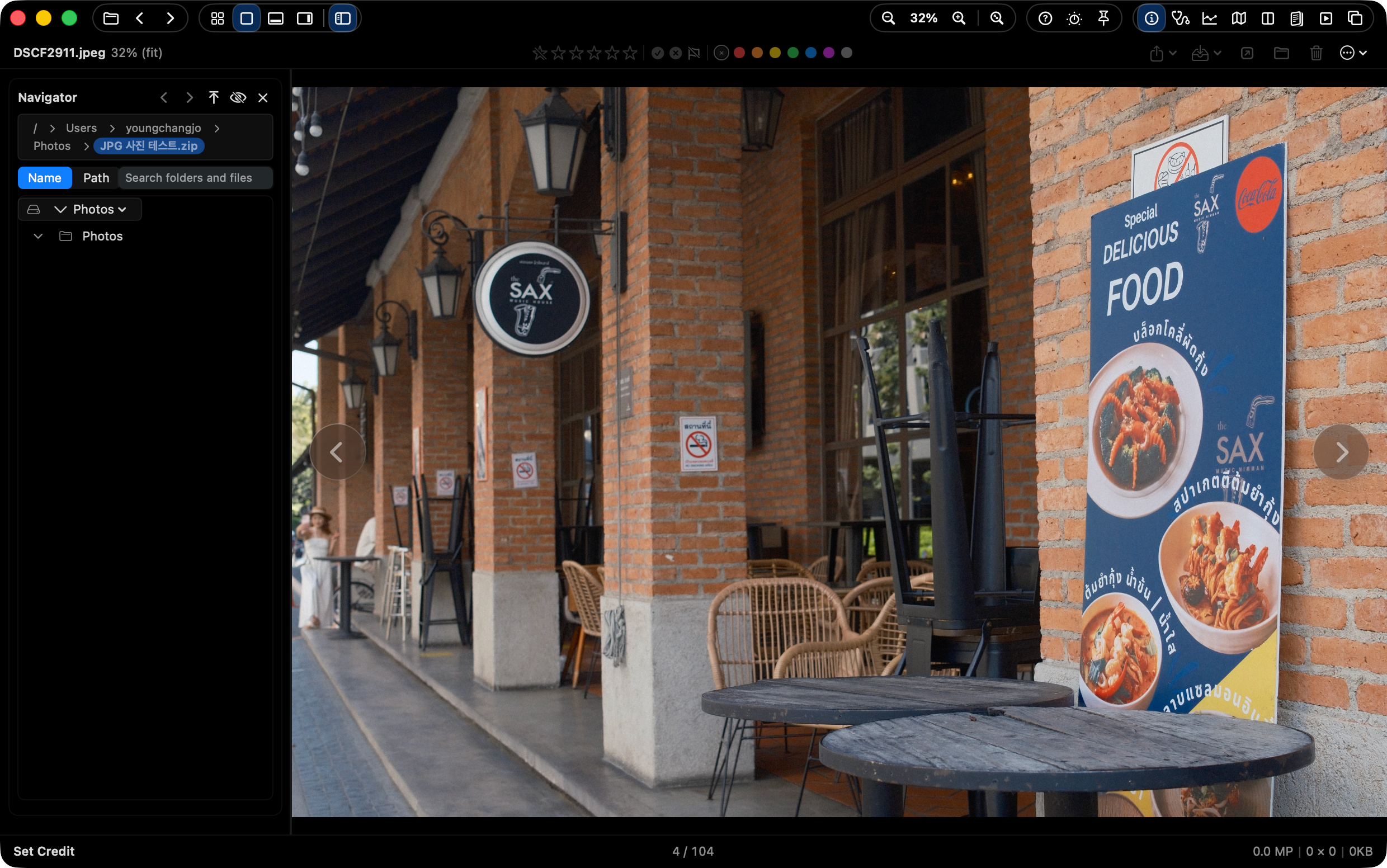
SnapView is a Mac image viewer for mixed-format folders, including WebP, HEIC/HEIF, GIF, RAW files, ZIP archives, and common still formats. It is designed for reviewing those files in one folder-first workflow instead of switching viewers for every format.
Downloads, screenshots, camera exports, phone photos, design references, and archives often land in one folder. SnapView is designed to keep review moving across that mixed set instead of switching viewers for every format.
Open WebP files in the same review flow as JPG, PNG, TIFF, RAW, and other common formats.
Review HEIC/HEIF images from modern Apple devices alongside local folders, Apple Photos sources, and ZIP archives.
Animated GIF and WebP playback is available in Main View. Other views may show a still first frame.
Use direct ZIP browsing, local folders, Apple Photos, supported videos, and wider ImageIO-backed image support.
SnapView uses the macOS decoder set available on the running system. Public product copy lists ImageIO still formats, RAW camera files, MP4/MOV/M4V video, and ZIP archives for supported images inside archives.
| WebP | Supported in the same folder review flow as common still formats. Animated WebP playback is available in Main View; other views may show a still first frame. |
|---|---|
| HEIC / HEIF | Useful for photos from modern Apple devices and mixed Apple Photos or Finder folders. |
| GIF | Animated GIF playback is available in Main View. Other views may show a still first frame. |
| RAW and system-backed formats | Some ImageIO-backed decoding depends on the decoder set available on the running macOS system. |
Use SnapView when WebP, HEIC, GIF, RAW, ZIP archives, and common image files are mixed in the same review folder.